
You can find specific Gear Records by using Master Tour’s Search and Filter functionality. You can Search by Name and Description. You can use the Filter function to configure your view based on Make, Model, and Origin information. You can also Sort Gear to see it in the order that you would like.
This article covers:
How to Navigate to Gear
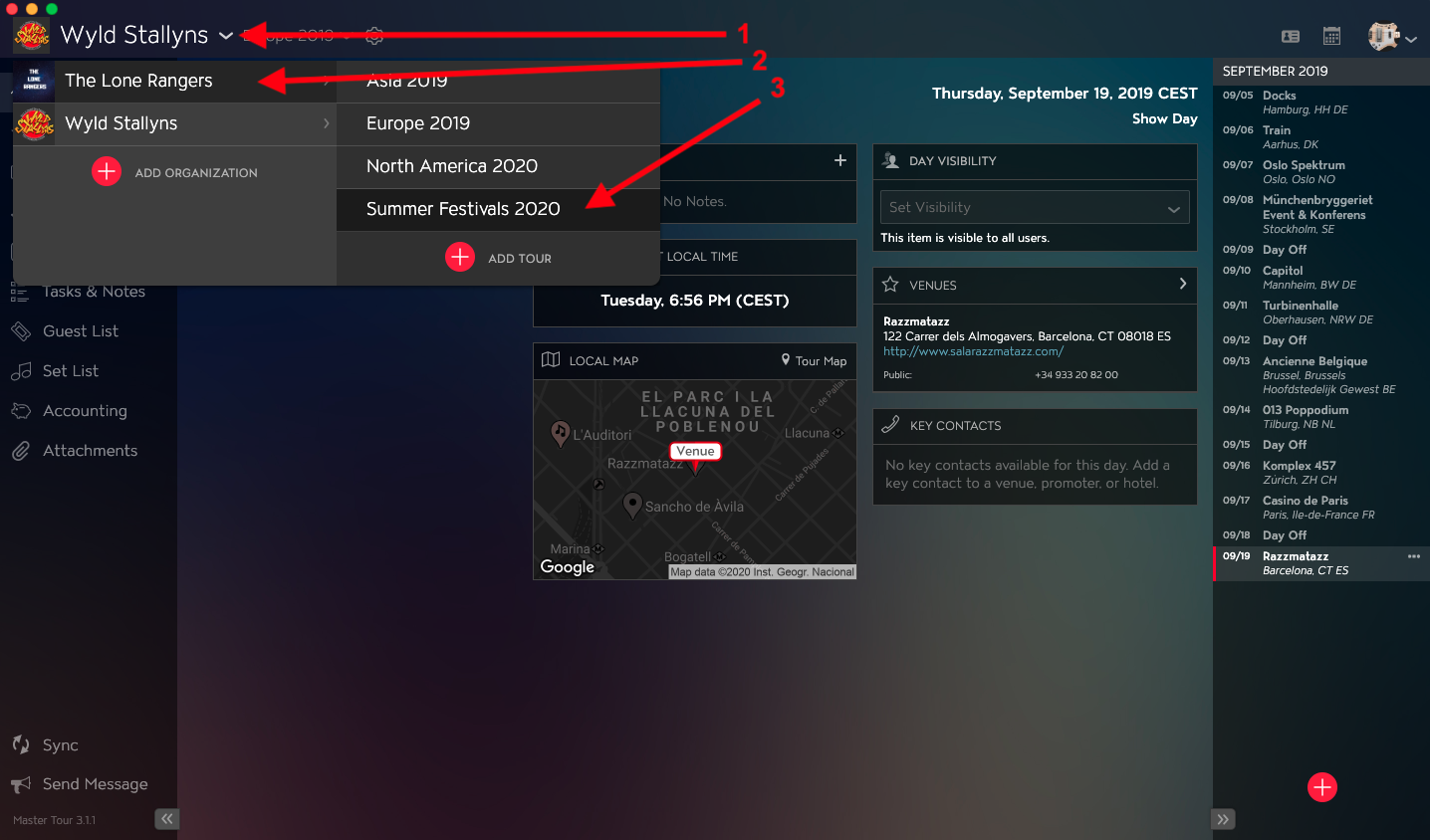
Within Master Tour, select the Tour that you would like to search for Gear in.
- Click on the Organization Selector dropdown menu.
- Select an Organization.
- Select a Tour from the Tour Selector dropdown menu.
Next:
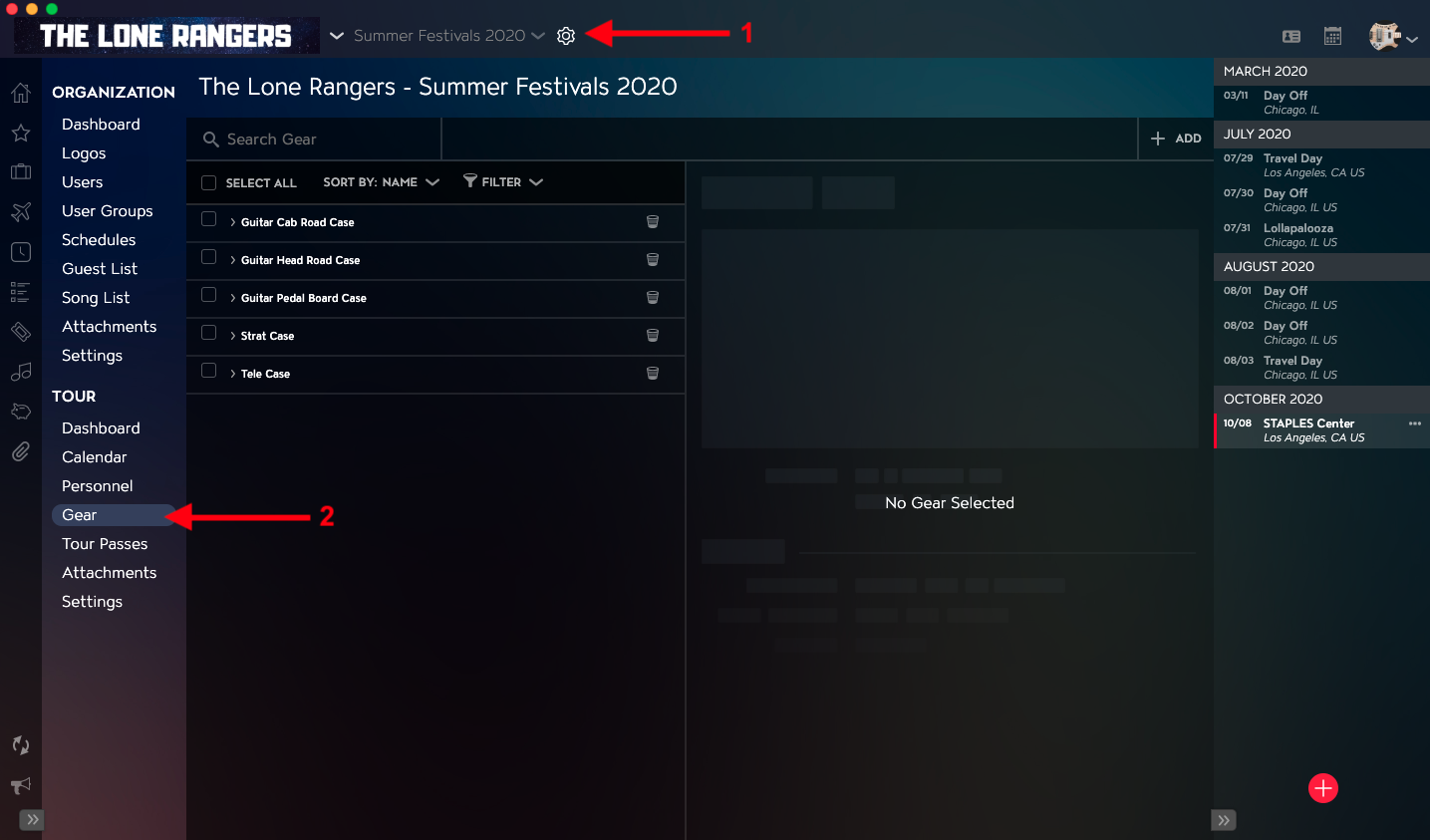
- Click on the Gear icon to the right of the Tour Name at the top of the application.
- Click into the Gear section within the Tour Section in the left menu.
How to Search Gear
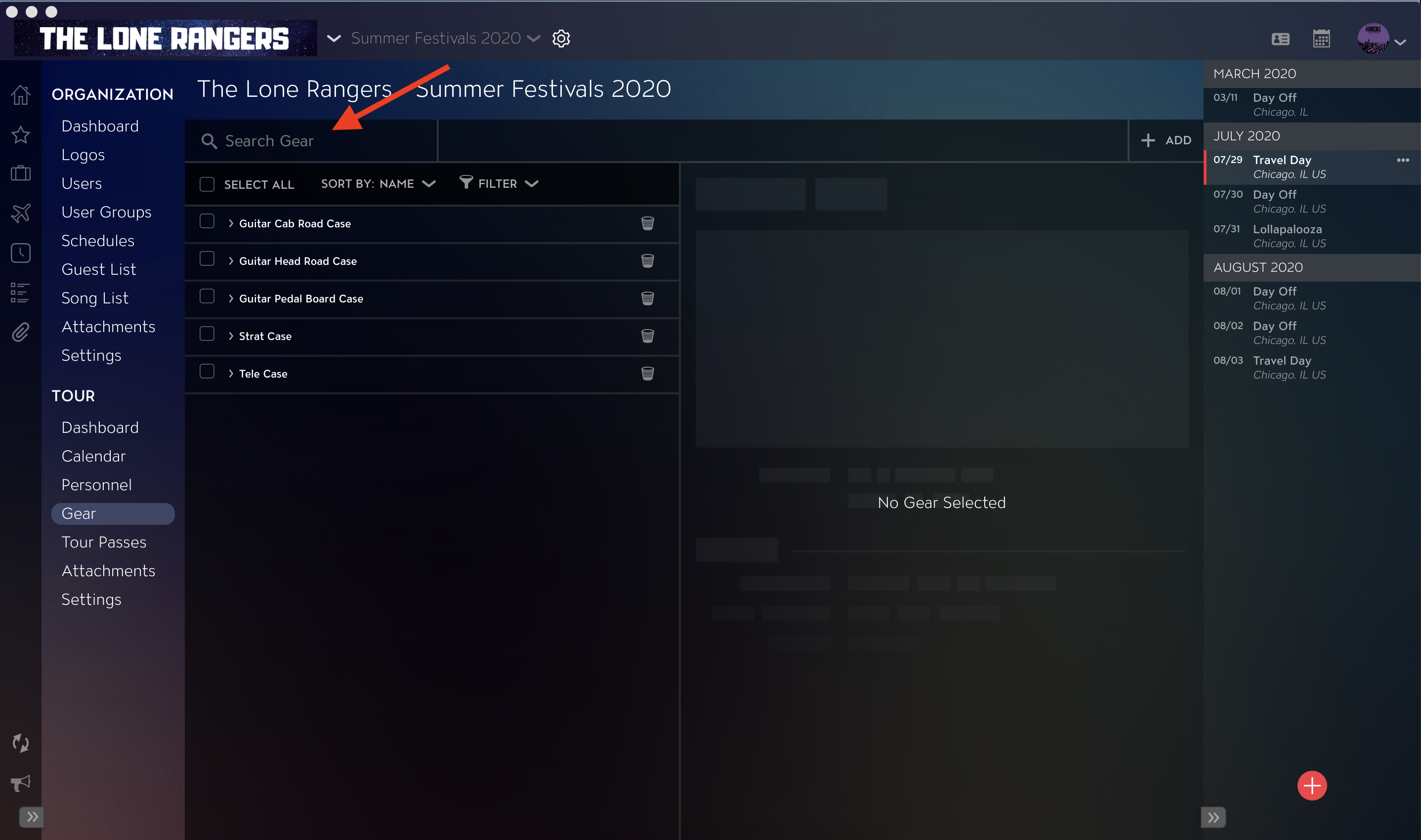
Use the Search Gear field at the top of the Gear List to perform a text search across the Name and Description fields for Gear Items.
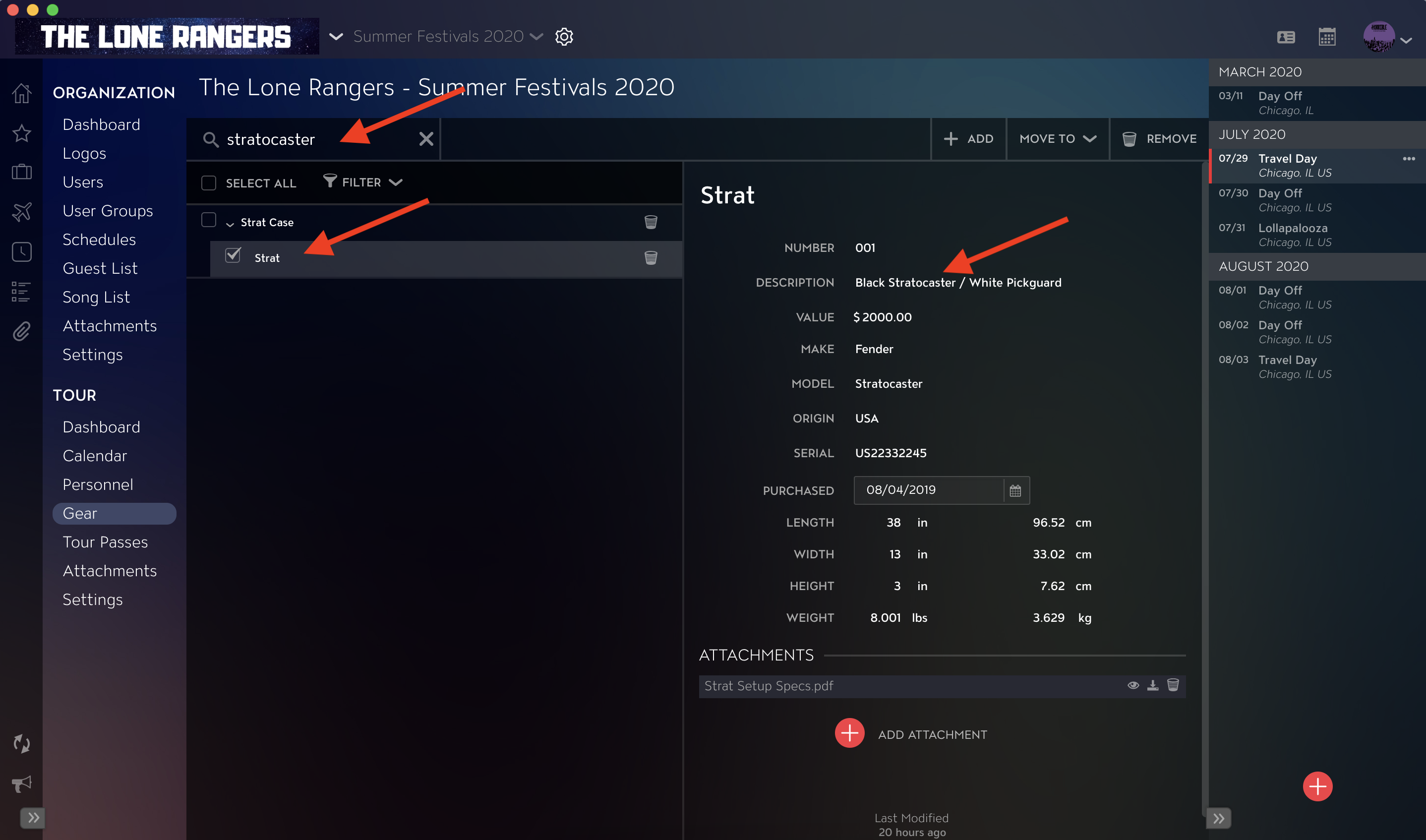
Once Search terms are entered, you will see the results in the Gear list.
How to Sort Gear
View the Sort By dropdown to see how the Gear Items are sorted.
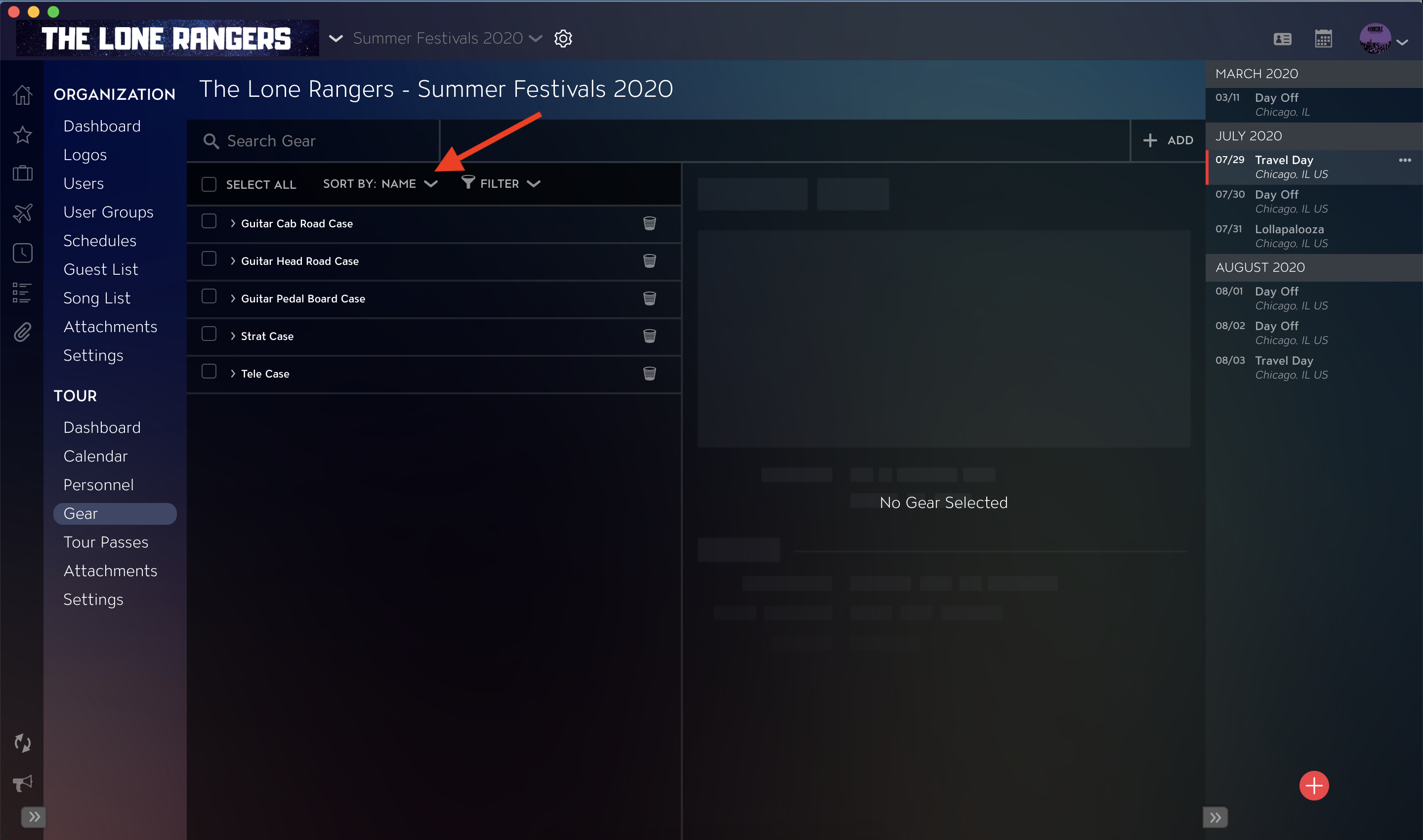
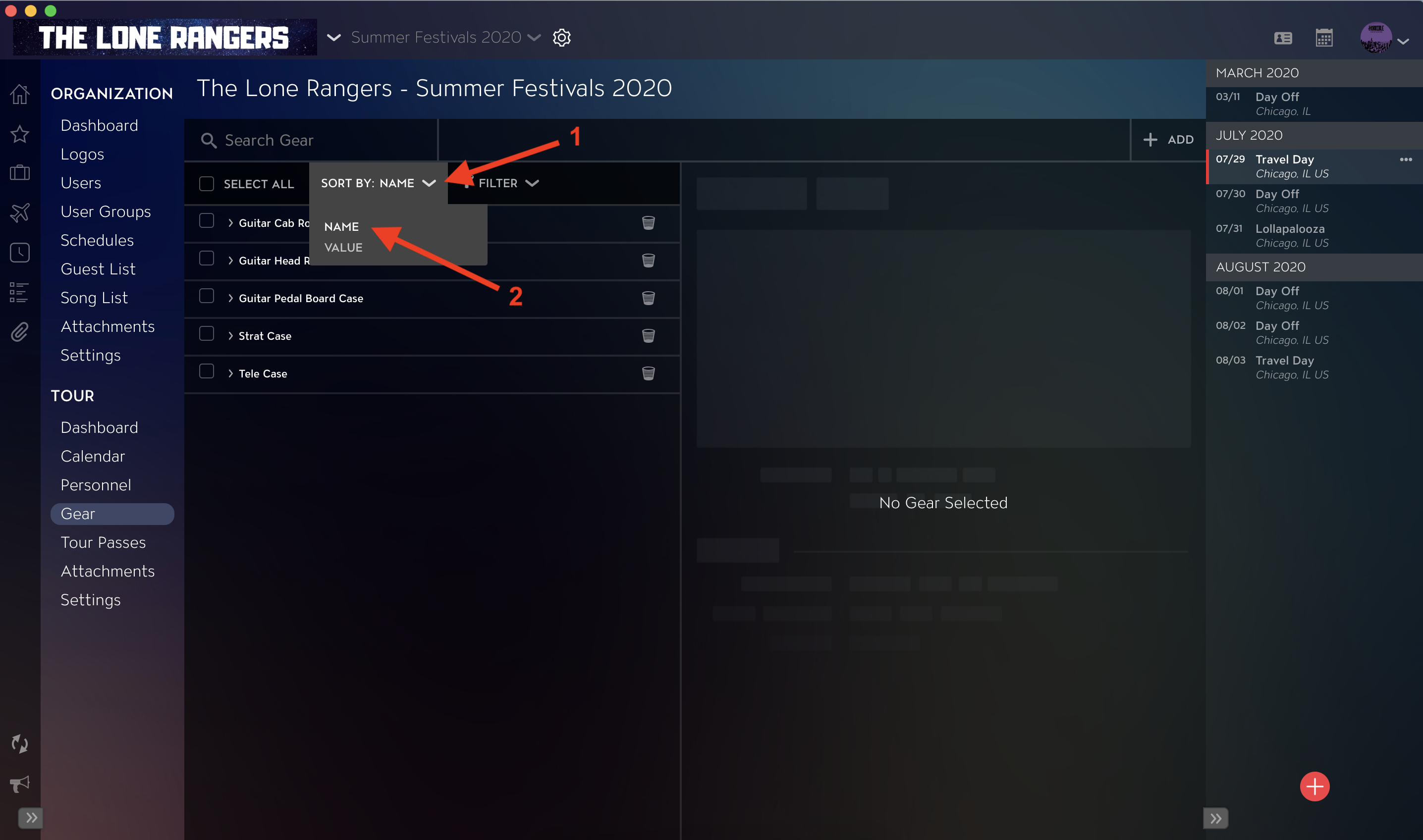
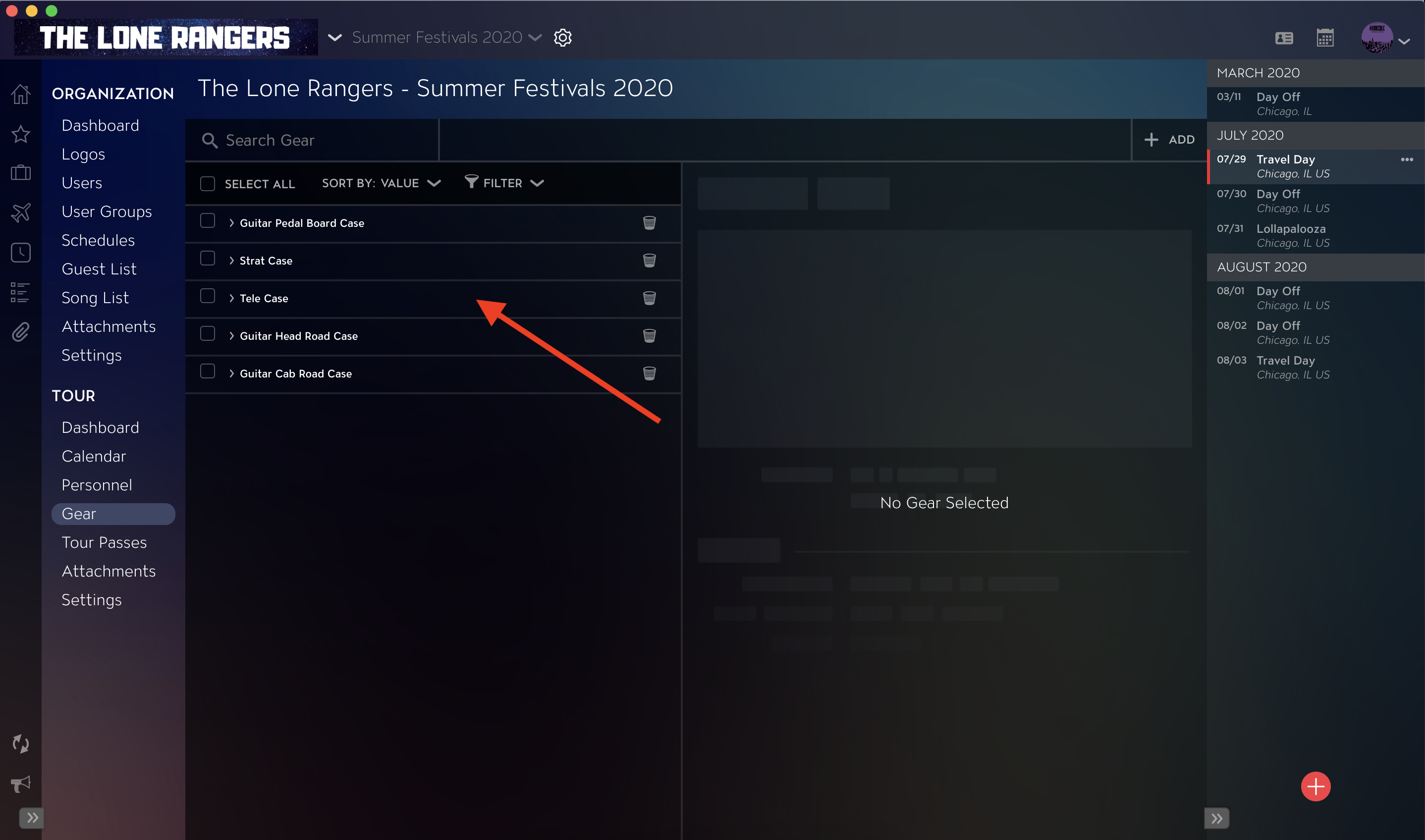
Use the Sort By dropdown to sort Gear by Name or Value. Sorting by Value will list Top-Level Gear Items in ascending order.
- Click into Sort By dropdown.
- Select either Name or Value.
Once Sorting is applied, you will see the results in the Gear list.
How to Filter Gear
Use the Filter dropdown to filter Gear Items by Make, Model, and Origin. Note that when you apply Filter criteria, you will see Gear Items, as well as any Gear Items they are nested within.
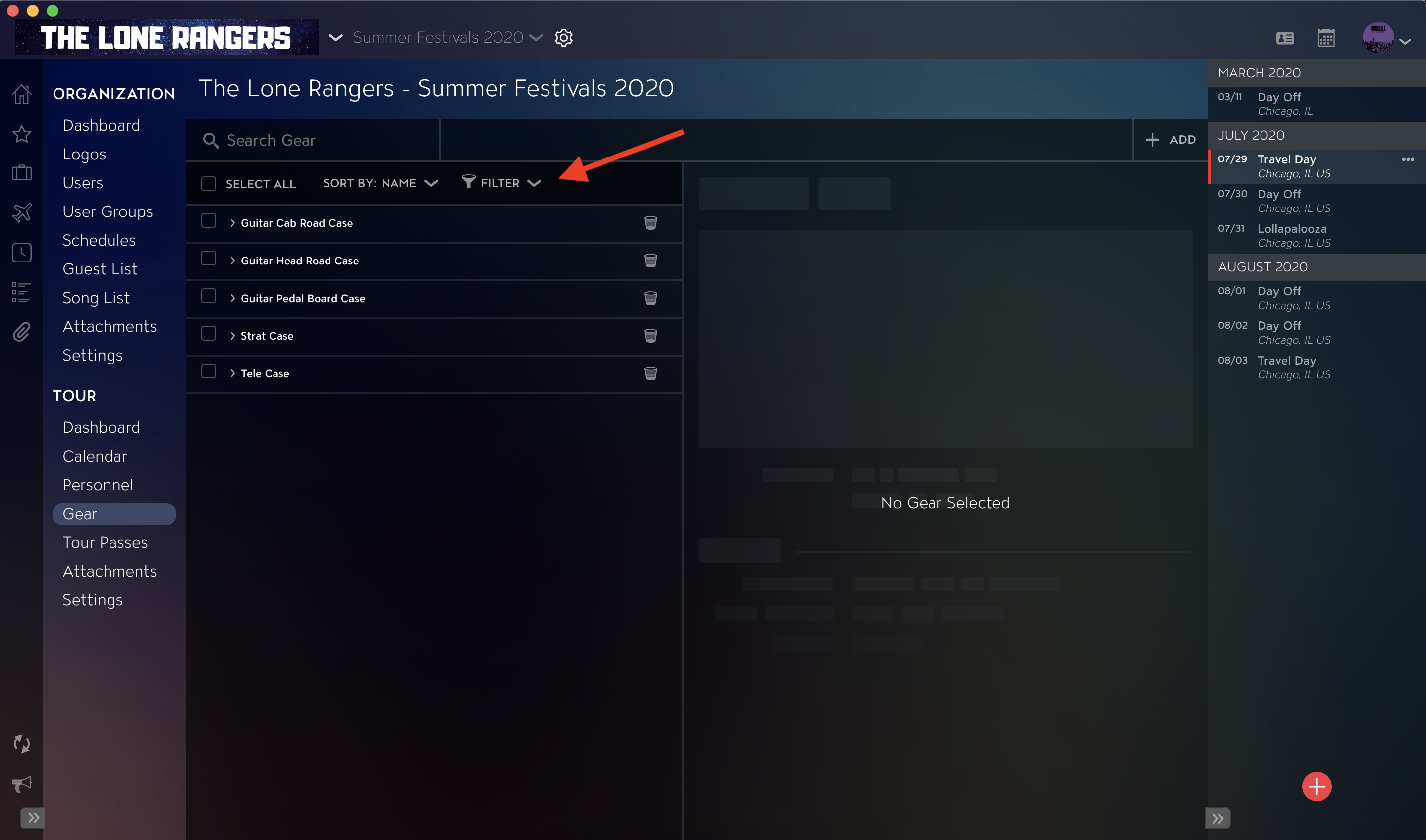
- Click into the Filter dropdown.
- Select Filter criteria from Make, Model, and Origin dropdown sections.
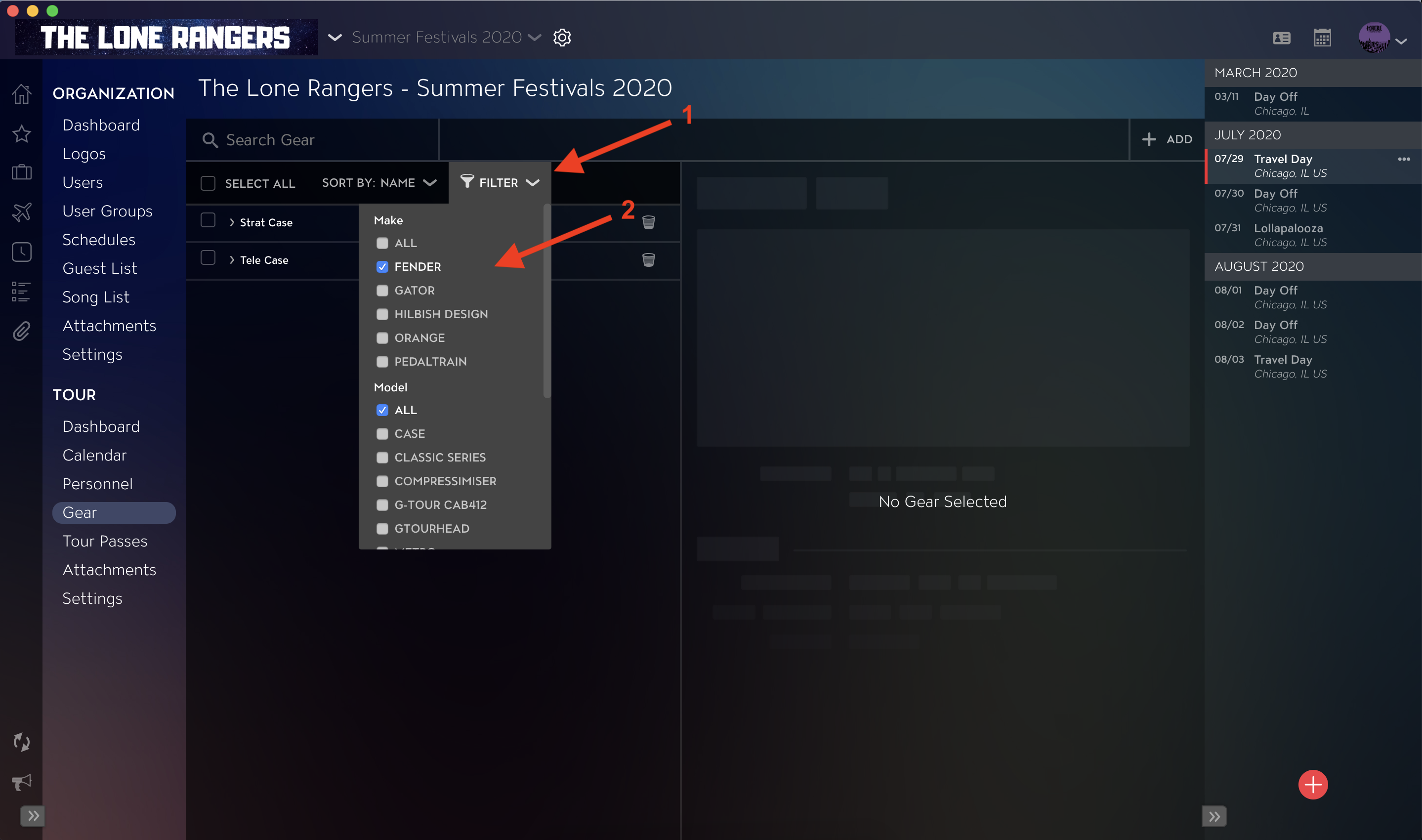
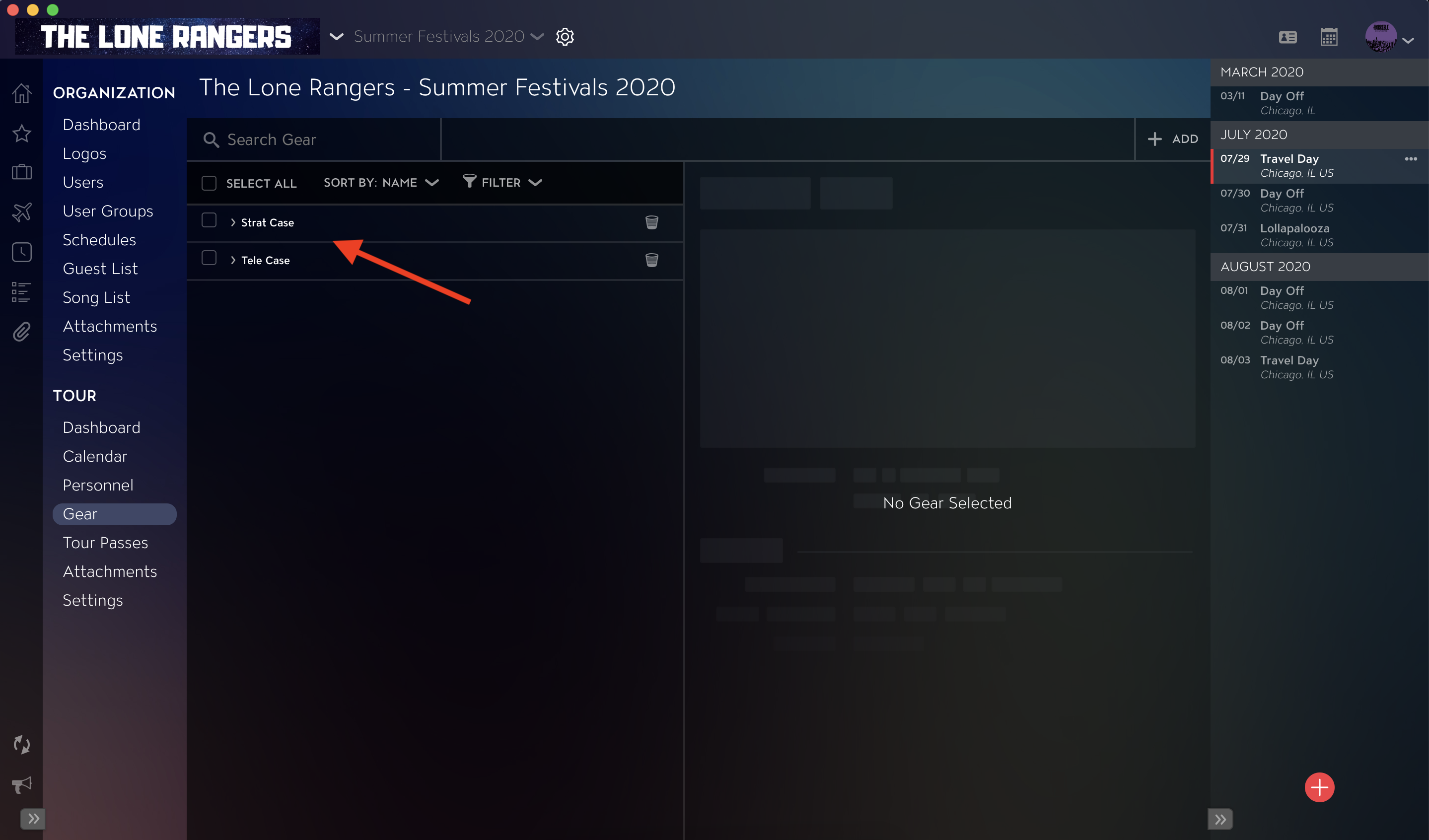
Once Filters have been applied, you will see the results in the Gear list.
If you have any questions after following these instructions, please click here to open a Support Request or call +1-773-862-4246 to speak with a member of our Support Team between the hours of 10:00 am - 6:00 pm US Central Time (CT), Monday through Friday.